
Registration Guide
This page will guide you step-by-step on how to create your account.
What is Authentik?
We use Authentik to manage logins. Think of it as a single master key for all services. Instead of remembering different passwords for files, chat, or apps, you log in once here, and Authentik automatically lets you into everything else. This is called Single Sign-On (SSO).
Step 1: Go to the Login Page
Open your web browser and visit: auth.necc.me
Step 2: Start Sign-Up
On the main page, look for the Sign Up link at the bottom.
-
Standard Sign Up: Click "Sign Up" to create a username and password.
-
Fast Sign Up: You can also sign up instantly using Discord, GitHub, or Telegram.
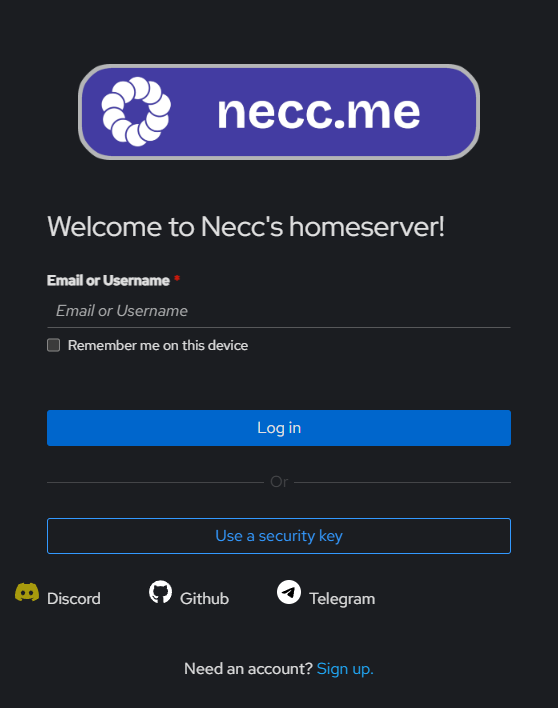
Step 3: Enter Your Details
If you chose standard sign-up, fill in the form:
-
Username: Choose your name for the server.
-
Email: Enter a real email address. You will need to open this email later.
-
Password: Create a strong password.
🔒 Security Note: The system automatically checks if your password has been leaked in known data breaches. If you try to use a compromised password, the system will warn you and block the registration. Please choose a unique password.
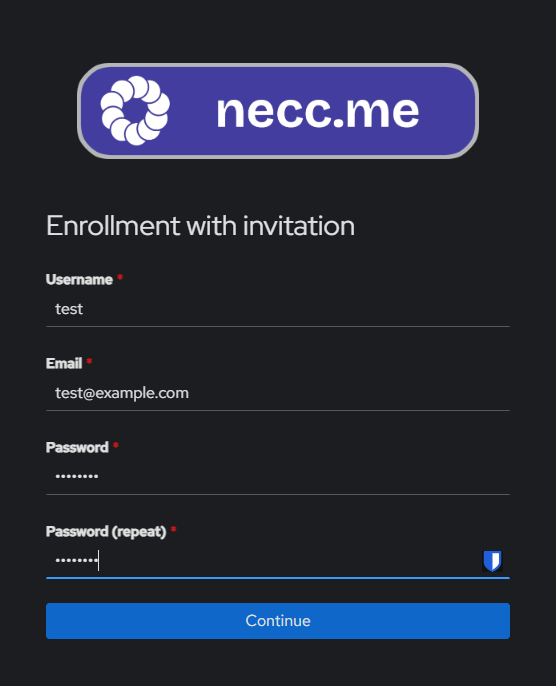
Step 4: Confirm Your Email
After you click "Continue":
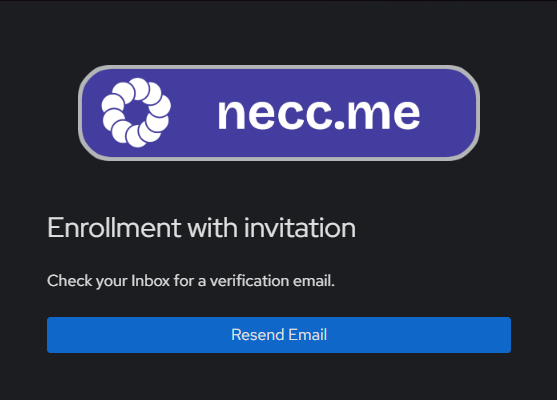
-
Check your email inbox.
-
Open the email from (random string)@send.mail.necc.me
-
Click the Confirm Account link inside. The link is valid for 30 minutes.
This step verifies that the email address belongs to you.
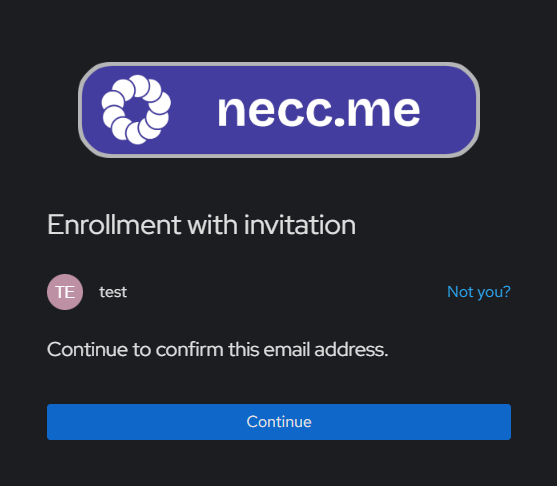
Step 5: You Are Ready!
Once confirmed, your account is active. You can now log in at auth.necc.me.
⚠️ Important: Multi-Factor Authentication (MFA)
To keep your account safe, Multi-Factor Authentication (MFA) is required.
-
First Login: You are allowed to log in one time using only your password.
-
Next Logins: Immediately after your first login, you must set up MFA. You will not be able to log in again until this is done.
👉 Please go to the MFA Setup Guide to learn how to set this up.
If you have trouble, contact the administrator.